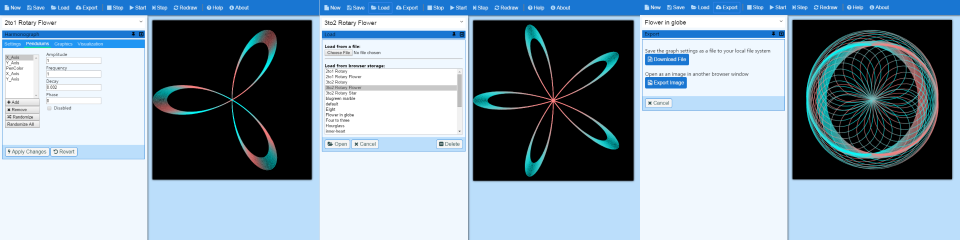
Virtual Harmonograph
A harmonograph is a mechanical device that employs pendulums to create a picture called a harmonogram.
I've replaced the mechanical device with a computer application so you can create them without having to build one.
(read more...)
If you would like to learn how to create harmonographs read my article: Intro to Harmonographs.
If you would like to be notified when new versions are released
follow me on Twitter: @JodyMGustafson.
Start Harmonograph
More about Virtual Harmonograph
Virtual Harmonograph emulates a real-world harmonograph, except you can have any number of pendulums.
Drawing a harmonogram on a flat 2-D surface you can have up to 4 pendulums.
Two of them control the horizontal and vertical movement of the pen, and two of them control the movement of the drawing surface.
With the virtual harmonograph you can see what would happen of you could have more than four if you'd like.
The virtual harmonograph also allows you to rotate the drawing surface back and forth.
Think of it as a swing. You can wind it up and let go and it will unwind then wind back up again until it runs out of energy.
In addition to the pendulums mentioned above, you can now add what I call pseudo-pendulums.
These pseudo-pendulums control the pen's opacity, color and width.
You specify two values and it uses the same pendulum algorithm to move between the two values as the graph draws.
Like a normal pendulum you can set the frequency, decay and phase.
You can produce some amazing affects using them.
For more info about what is in the latest release view the release notes.
For more info on how to use Virtual Harmonograph view the online help.
Send me your comments and suggestions.